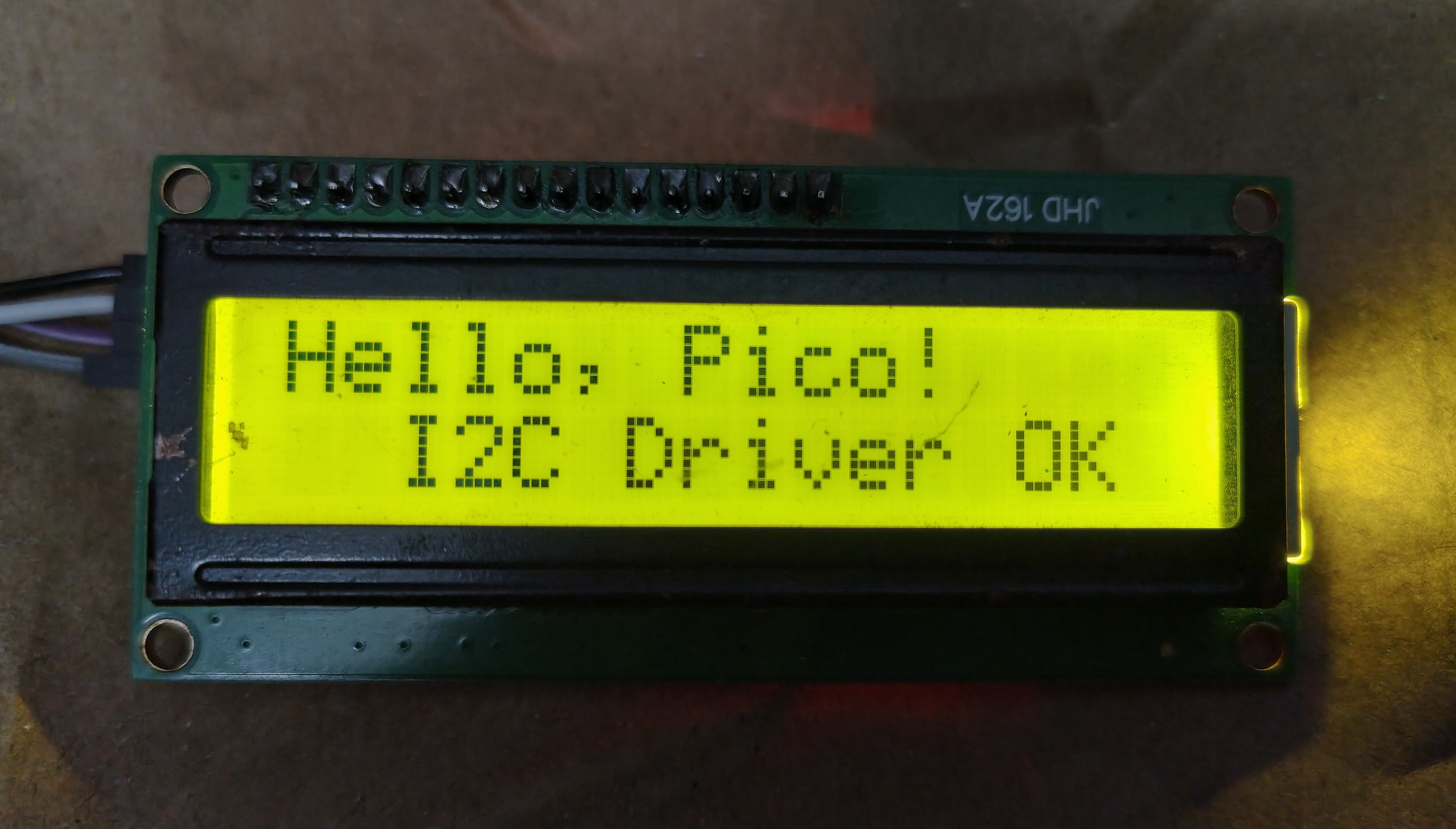
Welcome to my first blog post!
I have written a C driver to drive the HD44780 LCD module via the PCF8574 I2C Backpack. This is a modified and restructured version of the official lcd (lcd_1602_i2c.c) example code from the legendary pico-examples repo. Since the example given was too complex and all the logic were written in a single file, I restructred the code into different files so that the lcd driver is easy to understand and can be reused elsewhere.
Pin Configurations
| PCF8574 Backpack | Pi Pico |
|---|---|
| GND | GND (Any Ground Pin) |
| VCC | VBUS (5V Pin) |
| SDA | GPIO 4 (Pin 6) |
| SCL | GPIO 5 (Pin 7) |
How to Build and Run
- Ensure your
PICO_SDK_PATHenvironment variable is set. - Clone this repository to your local machine.
-
Open your terminal in the root folder of the project and run the following commands:
# Create a directory for the build artifacts mkdir build cd build # Generate the build system files cmake .. # Compile make -j4 - Turn on your Pico while pressing the BOOTSEL button and copy the compiled .uf2 file to the root of the mounted Pico drive.
The full source code can found in my Github here
Happy Hacking!